Slide 1

Alexa Set Up

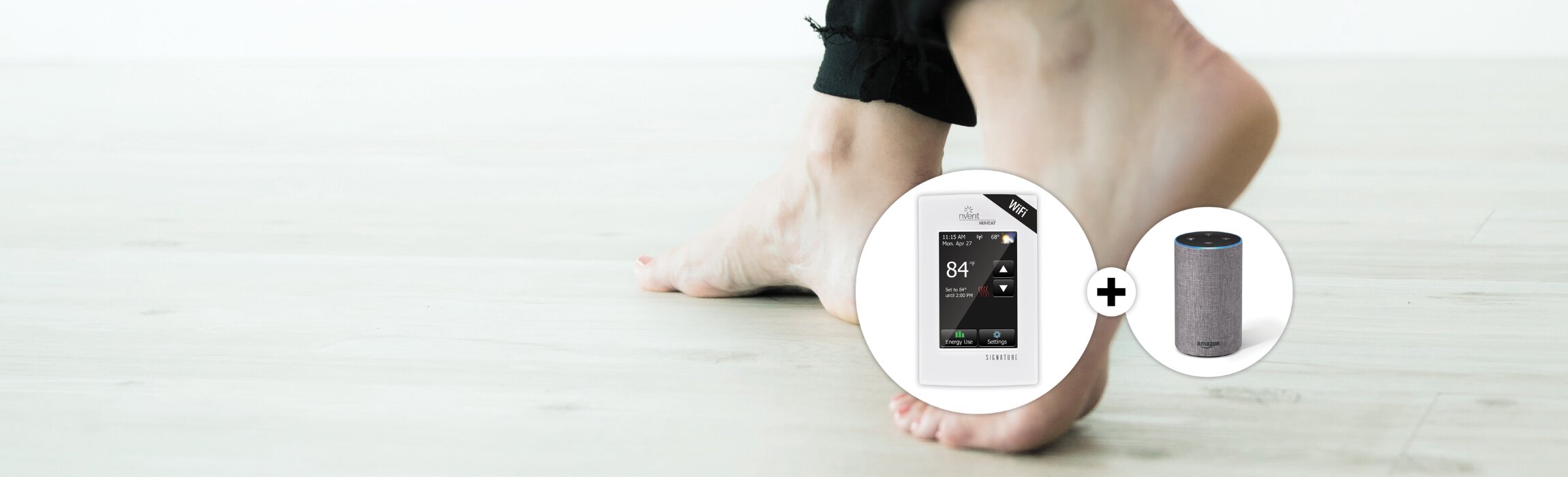
Signature can be controlled using any Alexa device including Amazon Echo, Echo Dot, or Echo Plus.

Setup and System Requirements

Before proceeding, ensure you have the following:

  • An account setup on MyNuheat.com with your own username and password
  • At least one linked Signature thermostat in your MyNuheat.com account - only linked thermostats can be connected to Amazon Alexa
  • Confirmed that you can control the Signature thermostat(s) via the Nuheat app and/or MyNuheat.com
  • Downloaded the Alexa app on your smartphone

Once you have completed the above setup requirements, follow the steps below to enable the Alexa Skill for the Signature thermostat:

(NOTE - screenshots of the app may ​​differ depending on the smartphone being used)
Sample Title

Open the Alexa app on your smartphone.

Sample Title

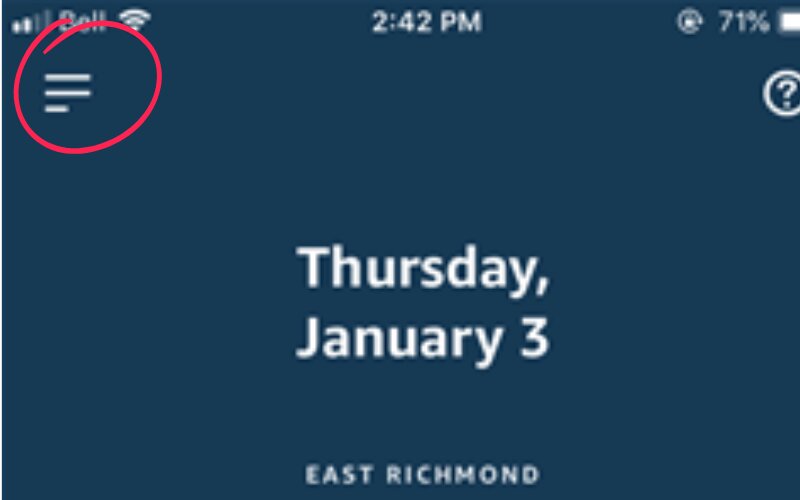
Click the hamburger icon on the top left to open up the settings.

Sample Title

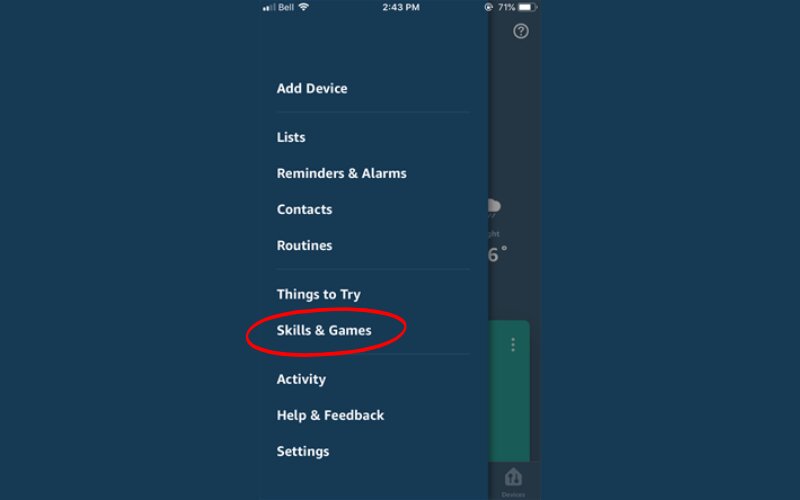
Click on ‘Skills & Games’.

Sample Title

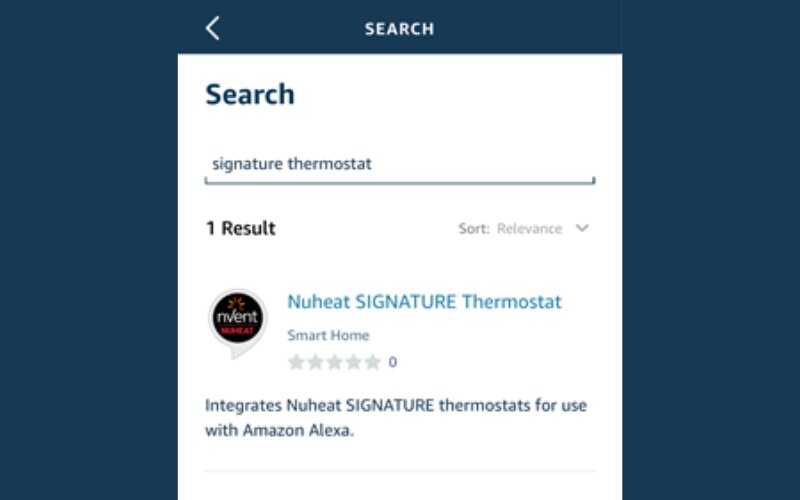
Search for the Nuheat SIGNATURE Thermostat skill and click on it.

Sample Title

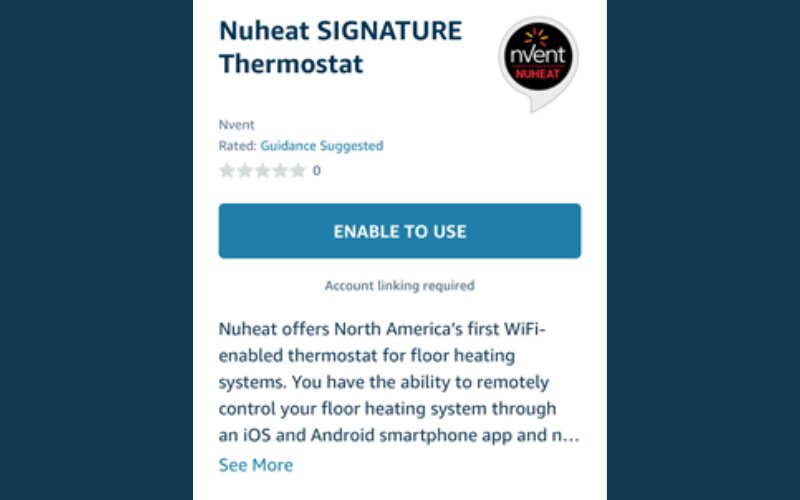
Click ‘Enable To Use’ which will open the login page on MyNuheat.com

Sample Title

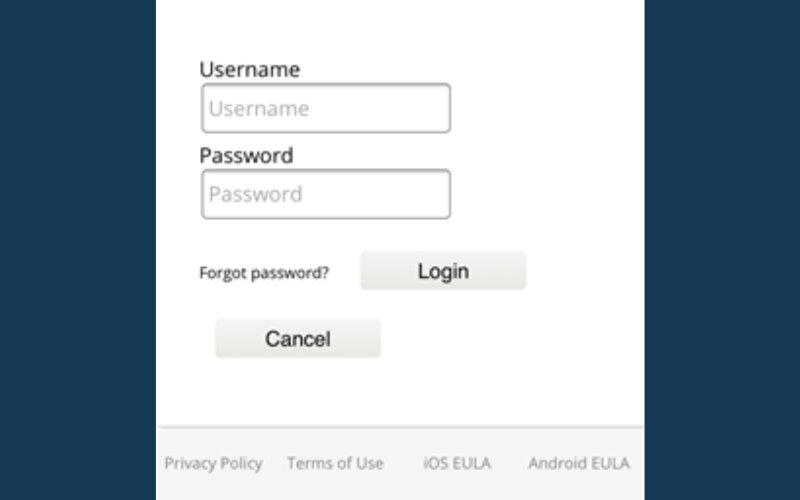
Sign into your MyNuheat.com account using your username and password for MyNuheat.com.

Sample Title

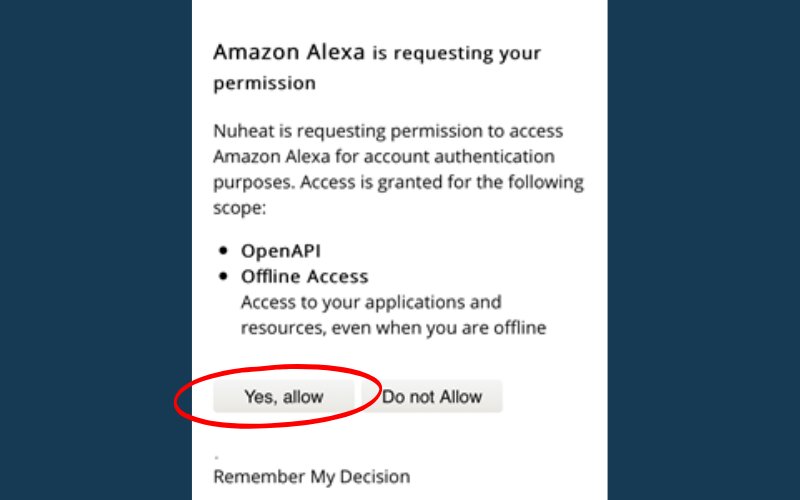
When you see the permission request to link your Alexa account with your MyNuheat.com account, click ‘Yes, allow’.

Sample Title

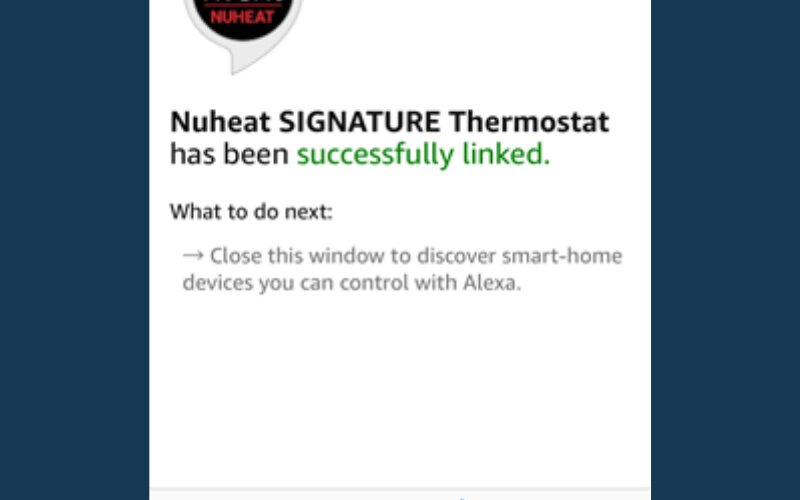
Close the app window by clicking 'Done' on the top left.

Sample Title

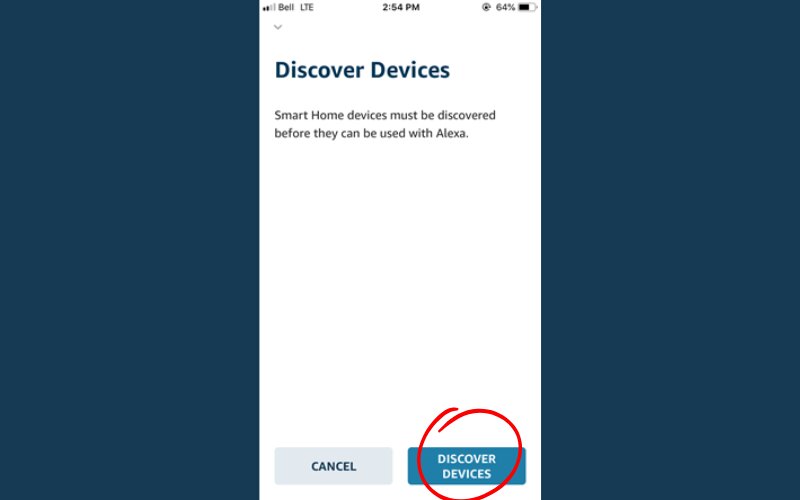
Click 'Discover Devices”.

Click on the Devices icon on the bottom right to see the Signature thermostats that are now linked to Alexa

Try some voice commands in the table below using the thermostat name that you assigned to the Signature thermostat or thermostat group in Alexa.

Your Alexa should now be linked to your thermostat.