Elexant Connect Application
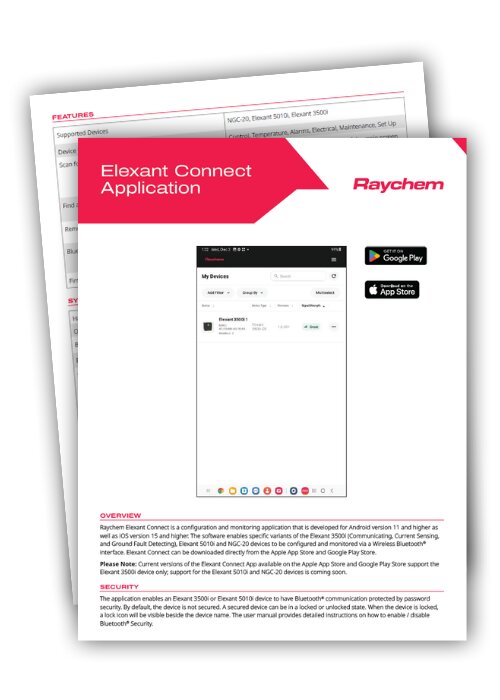
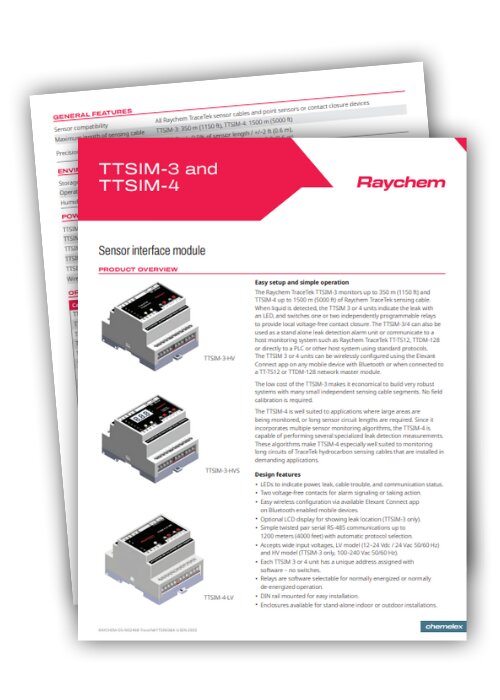
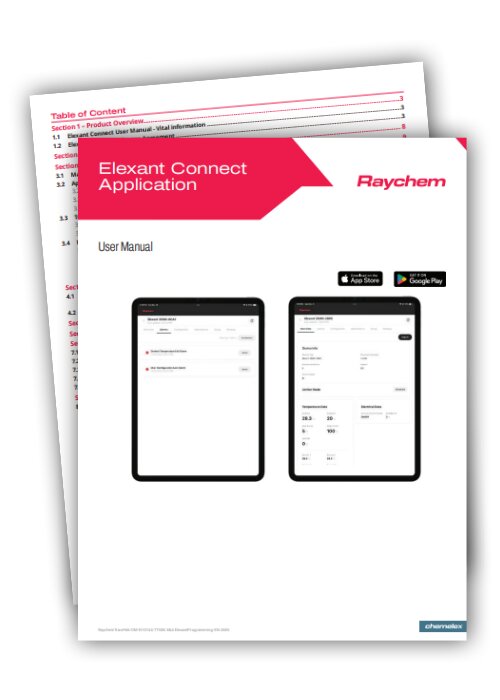
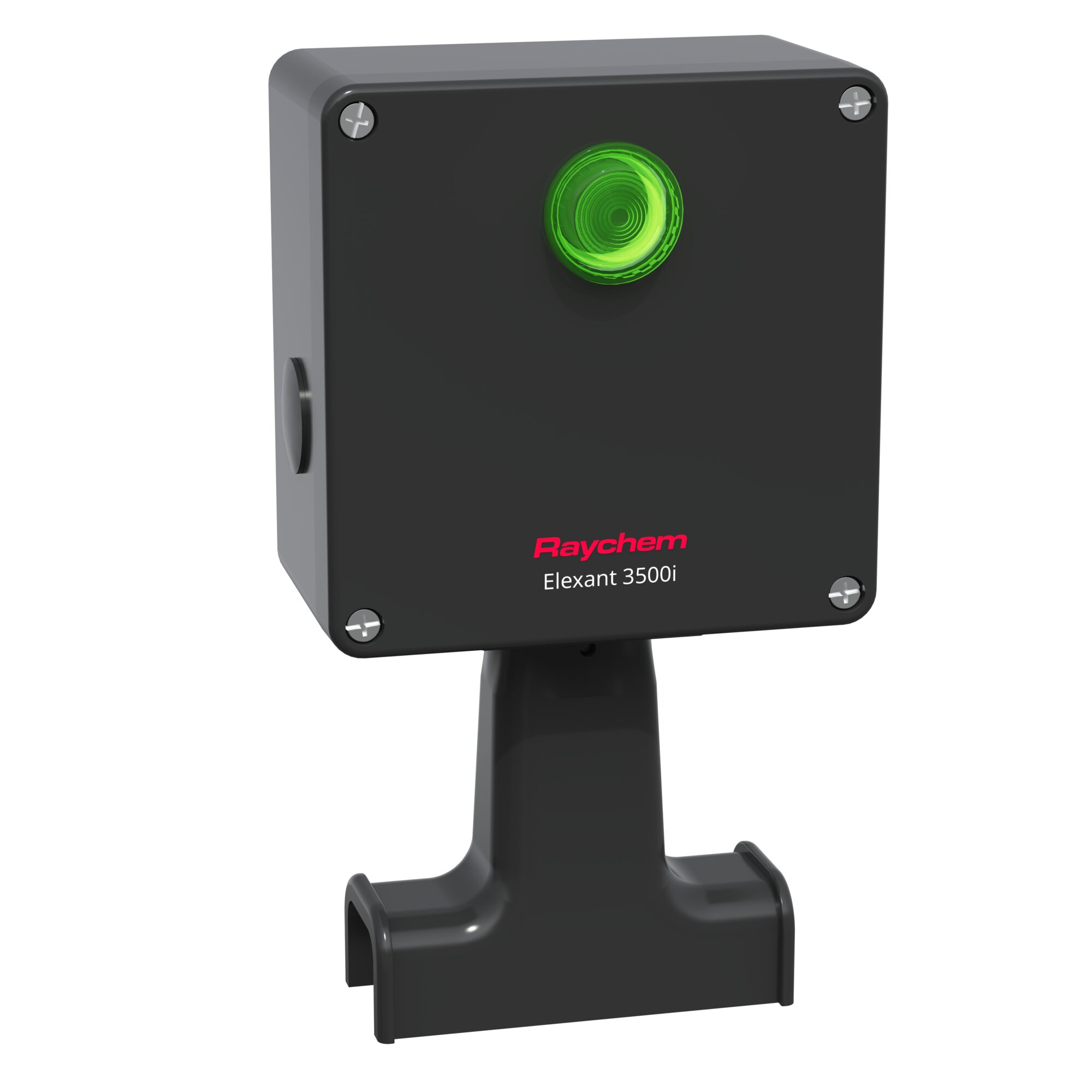
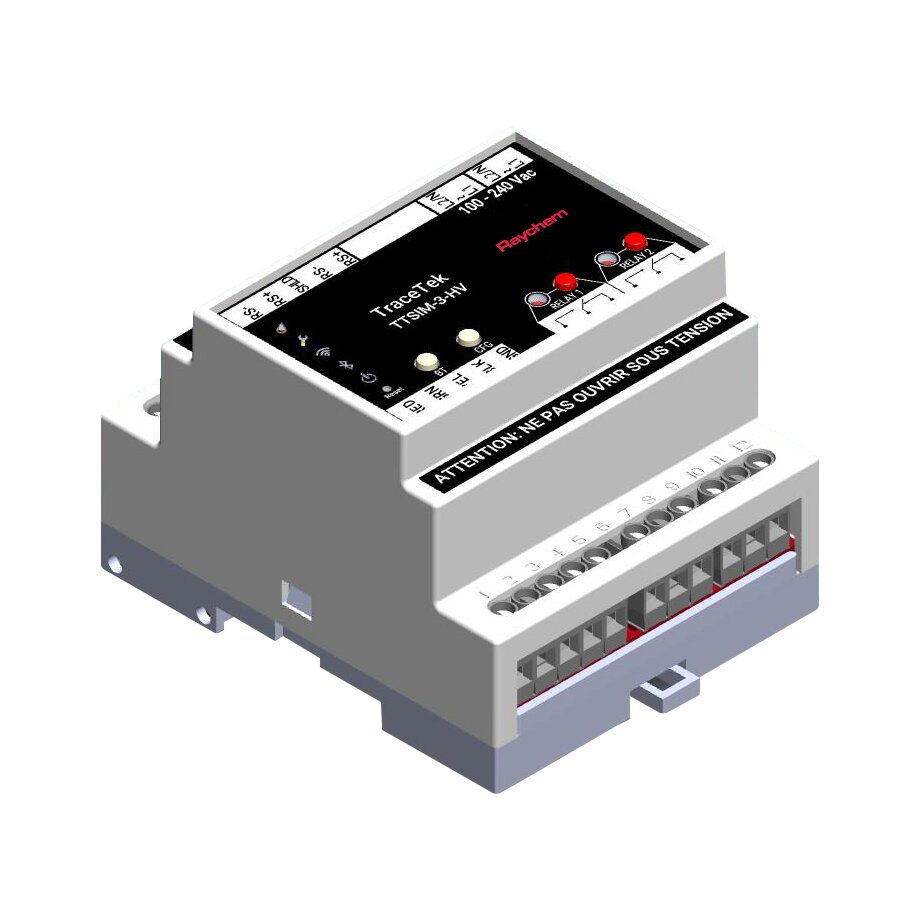
Raychem Elexant Connect is a configuration and monitoring application that is developed for Android version 11 and higher as well as iOS version 15 and higher. The software enables specific variants of the Elexant 3500i (Communicating, Current Sensing, and Ground Fault Detecting), Elexant 5010i, and TraceTek TTSIM-3 & -4 devices to be configured and monitored via a Wireless Bluetooth® interface.
Please Note: Current versions of the Elexant Connect App available on the Apple App Store and Google Play Store support the Elexant 3500i, Elexant 5010i an TraceTek TTSIM-3 & -4 devices only; support for the NGC-20 device is coming soon.
|


Features
- Supported Devices: Elexant 5010i, Elexant 3500i, TraceTek TTSIM-3 & 4
- Device Parameters Managed: Control, Temperature, Alarms, Electrical, Maintenance, Configuration, Set Up
- Scan for Nearby Devices: Use of the refresh button on the top right of the main screen scans for all available Raychem supported devices and lists them by signal strength (nearest device has the maximum signal strength).
- Find a Specific Connected Device(s) (Elexant 3500i only): Clicking on “Find Me” associated with a connected 3500i blinks the lights on the specific 3500i
- Remote Management: Ability to connect via Bluetooth® and remotely manage device parameters
- Bluetooth® Security (Elexant 3500i, Elexant 5010i, TraceTek TTSIM-3 & -4): The application enables an Elexant 3500i, Elexant 5010i or TraceTek TTSIM-3 & -4 device to have Bluetooth® communication protected by password security
- Firmware Update: Ability to update a specific device’s firmware from a local file
Click to expand the image for a full list of device compatibilities.